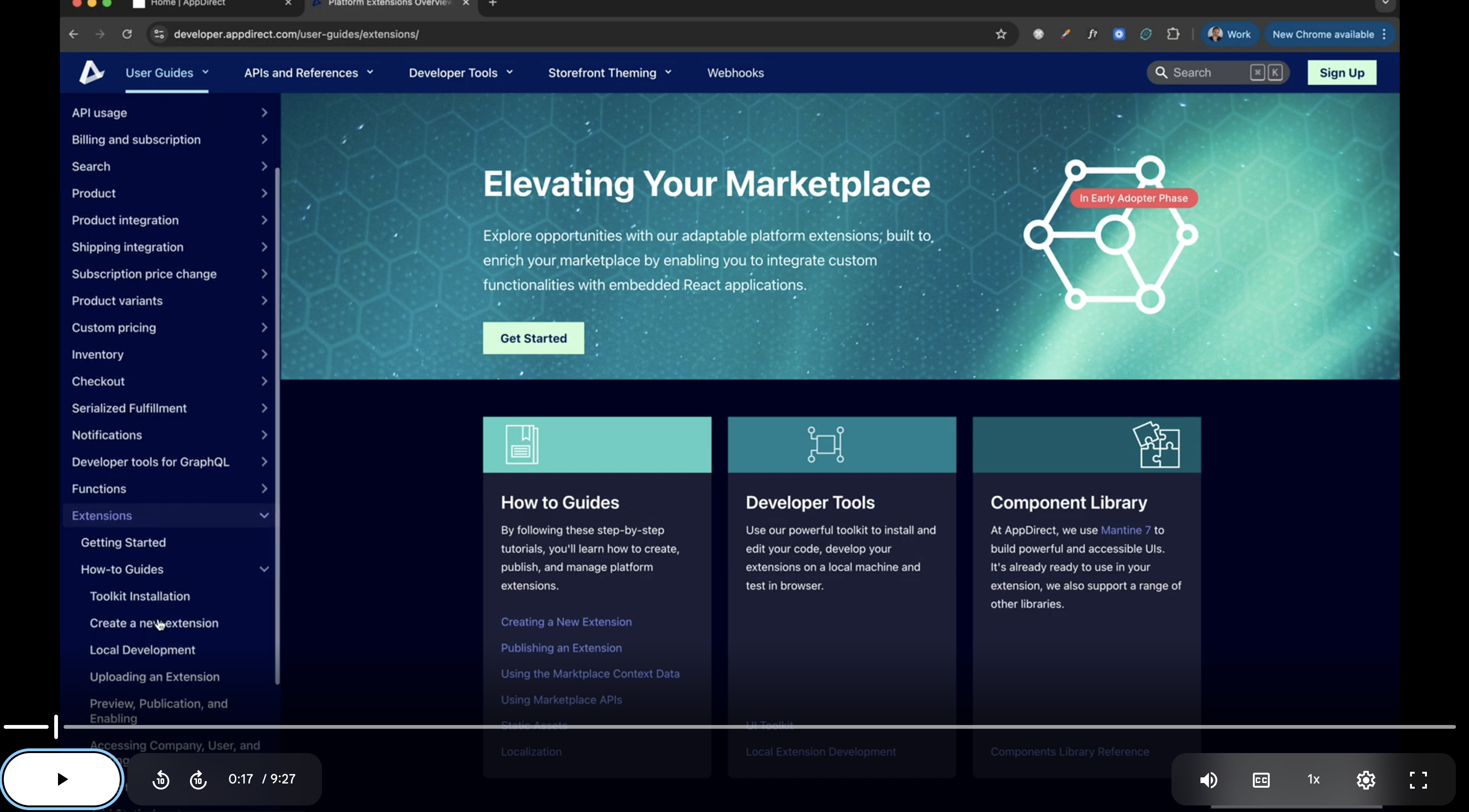
Video Tutorial - Building Extensions
Important
This feature is currently in Early Availability (EA) status. For more information, see our product lifecycle phases.
Prerequisites
Before you begin, you must have the following:
- Sign in to your marketplace as a Marketplace Manager.
- Familiarity with the command line and Node.js 18+ installed.
You must install the toolkit before you begin. Use the installation guide or the installation video for a walkthrough.
Toolkit installation (TL;DR)
- Install the Toolkit globally:
npm install -g @appdirect/sfb-toolkit@latest
- Run the guided setup (press Enter to accept defaults):
sfb-toolkit setup
Video Tutorial
Tips
- Start your extension server from your own terminal for clearer logs and fewer interruptions.
- Enable Developer Mode in
/admin/extensionsbefore testing locally; it expires every 8 hours per user. - Use the dev URL printed by
npm run start(it includesdevMode=trueandappName) to load your extension in the marketplace. - Place static assets under
static/assetsand reference them withwindow.get_extension_assets('<filename>'). - Run
npm run buildto generate the zip file you can upload in the extensions manager.
Was this page helpful?
Tell us more…
Help us improve our content. Responses are anonymous.
Thanks
We appreciate your feedback!